01 · Brief
Multiple product teams had spent years on what was supposed to be one product, and each had drifted into its own visual language. Over about six months in 2022 and 2023, we built one design system to pull them together under a single developer console.
02 · Outcome
The design system was adopted across 3 product teams and used as the foundation for 4 white-label credential applications. Design-to-dev handover went from weeks to days.
03 · What I did
What I did.
As Lead Product Designer, I was the link between the Berlin and Singapore teams. I had worked on most of these products at some point, so I could see exactly where the experiences had fragmented.
I led the team in designing and building the design system components using an atomic design approach, and managed the handover to the developers building it out. I was also responsible for the final product: the developer console that brought everything together.
04 · Key decisions
Key decisions.
Atomic design from the start
We had 4 products and hundreds of misaligned components. Starting at the atom level meant any future product could compose from the same building blocks instead of duplicating them. It also gave us a shared vocabulary across the Berlin and Singapore teams.
Multiple products with one system underneath White-label as the proof of concept
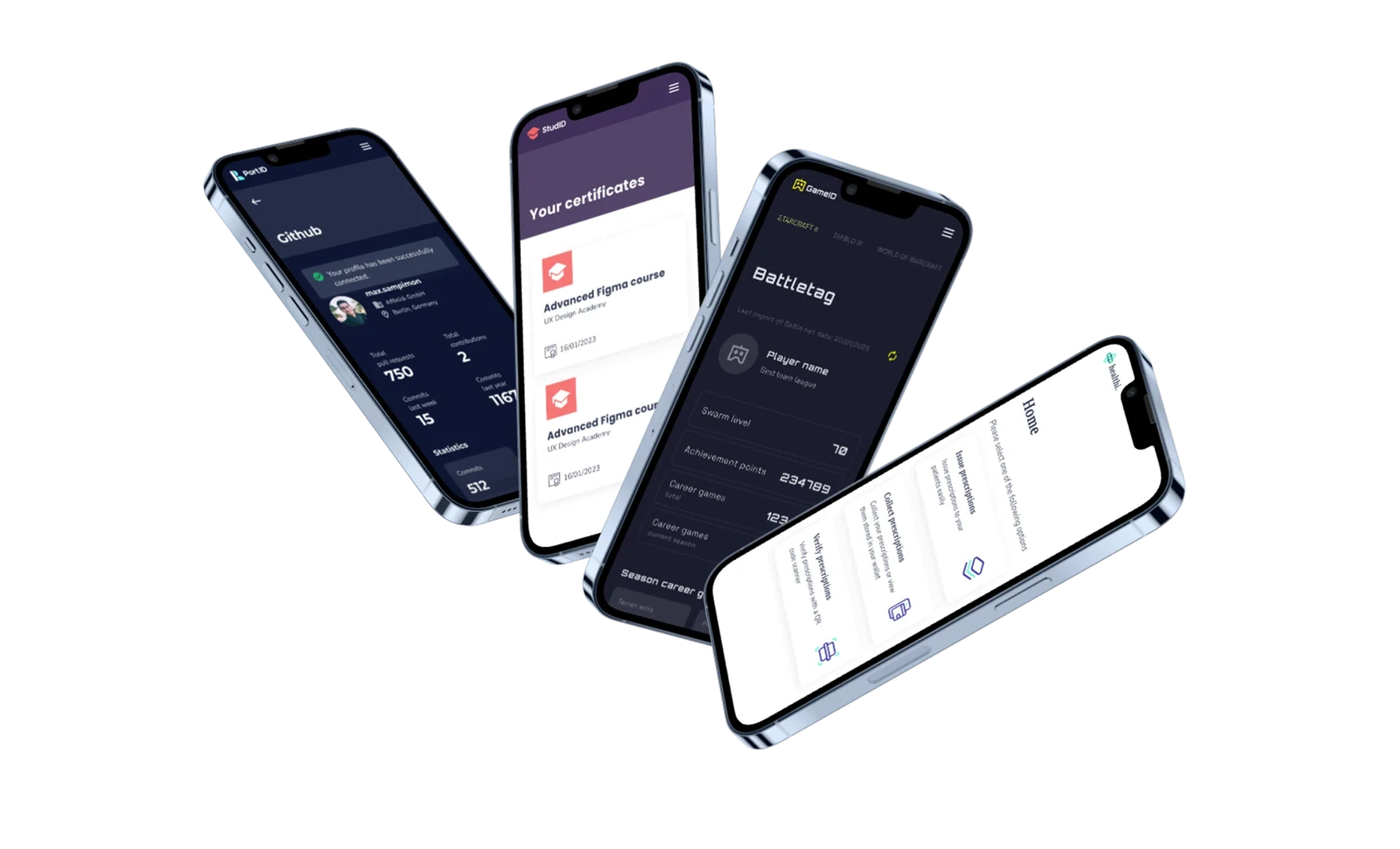
To me, the test of a design system is whether it can adapt without forking. So we duplicated ours, swapped the style guide, and used it to build new branded applications in a fraction of the original time. The architecture held up.
05 · The system
Building a design system for Affinidi's privacy-preserving applications.
A design system gives every team the same reusable components and guidelines, so all platforms and products look and feel consistent. It also makes products faster to build and easier to scale.
Design and development get simpler, with less duplicate work and fewer errors, and teams find it easier to work together.
With a design system in place, organisations can try new ideas sooner and ship good products that give users what they need and expect.
06 · Atomic design
Atomic design.
For our design system we used atomic design, a method with five stages that work together. It lets you build an interface design system in a more deliberate, hierarchical way. The stages are atoms, molecules, organisms, templates and pages.
Style guide
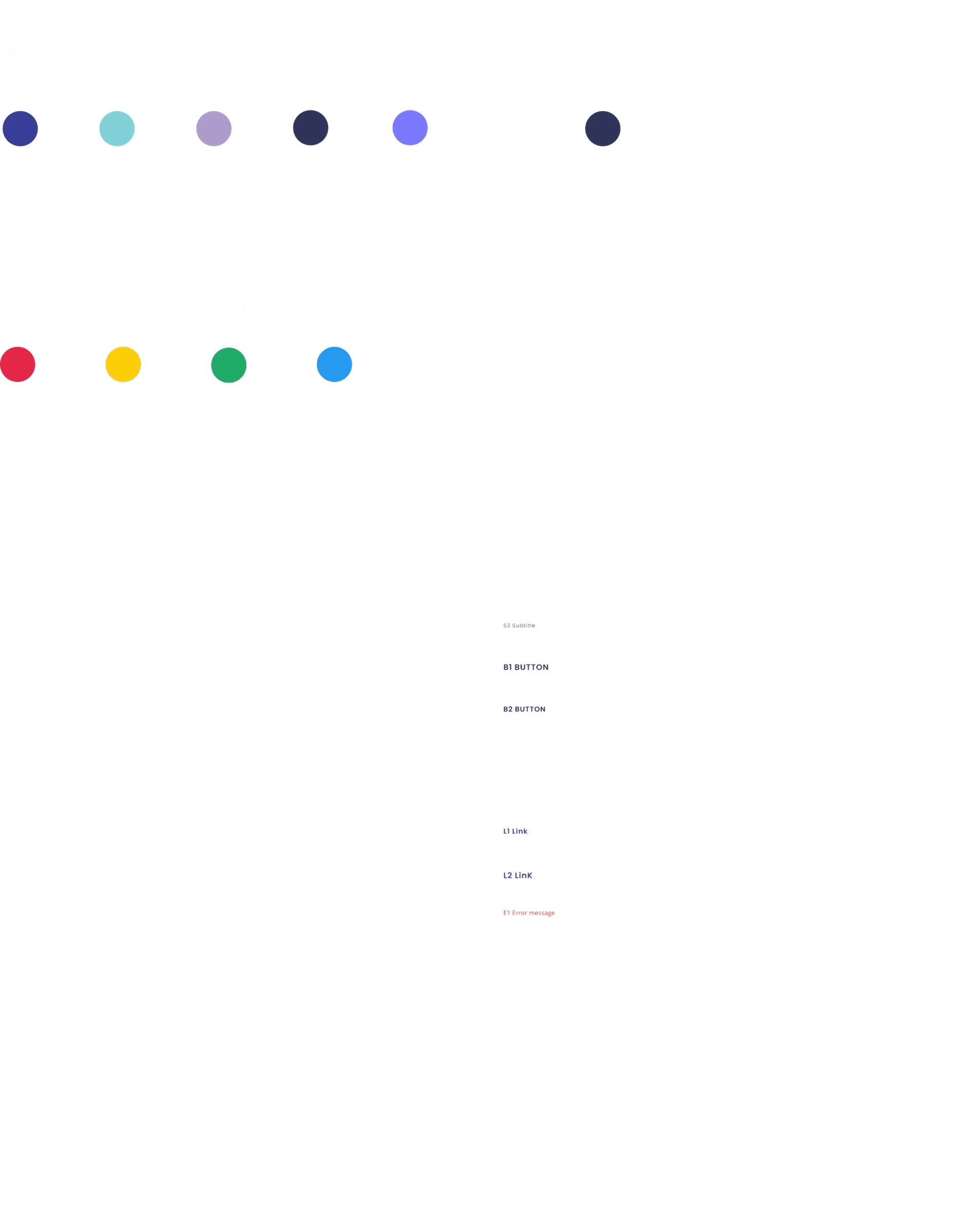
The style guide below was the foundation of our design system. Most elements were already defined, and we added more as we needed them.
01 / 05
Atoms
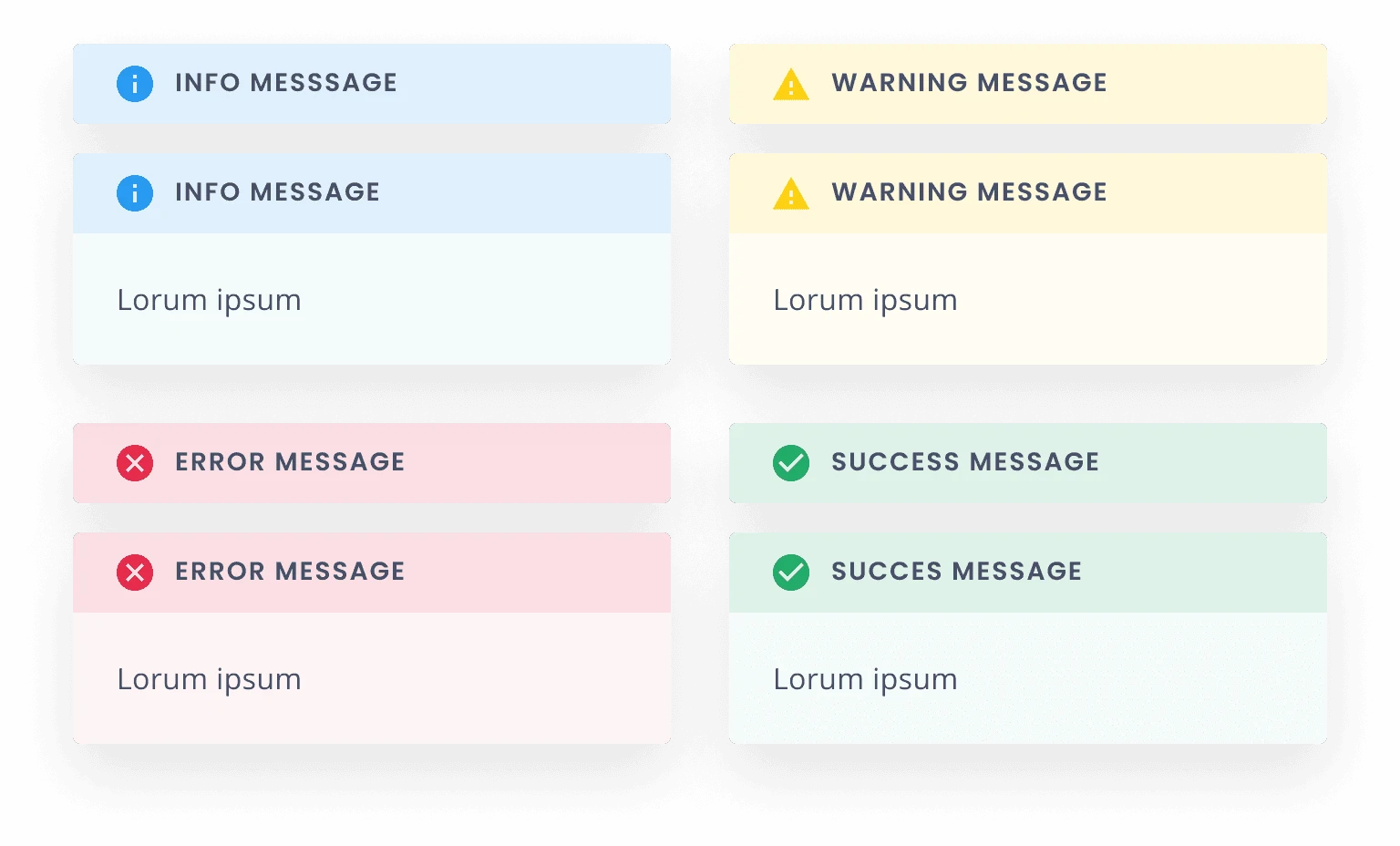
Atoms are the most basic components, the building blocks of a design system: buttons, lines, shapes, icons, text fields, text labels and so on. Here are some of the atoms we used.

02 / 05
Molecules
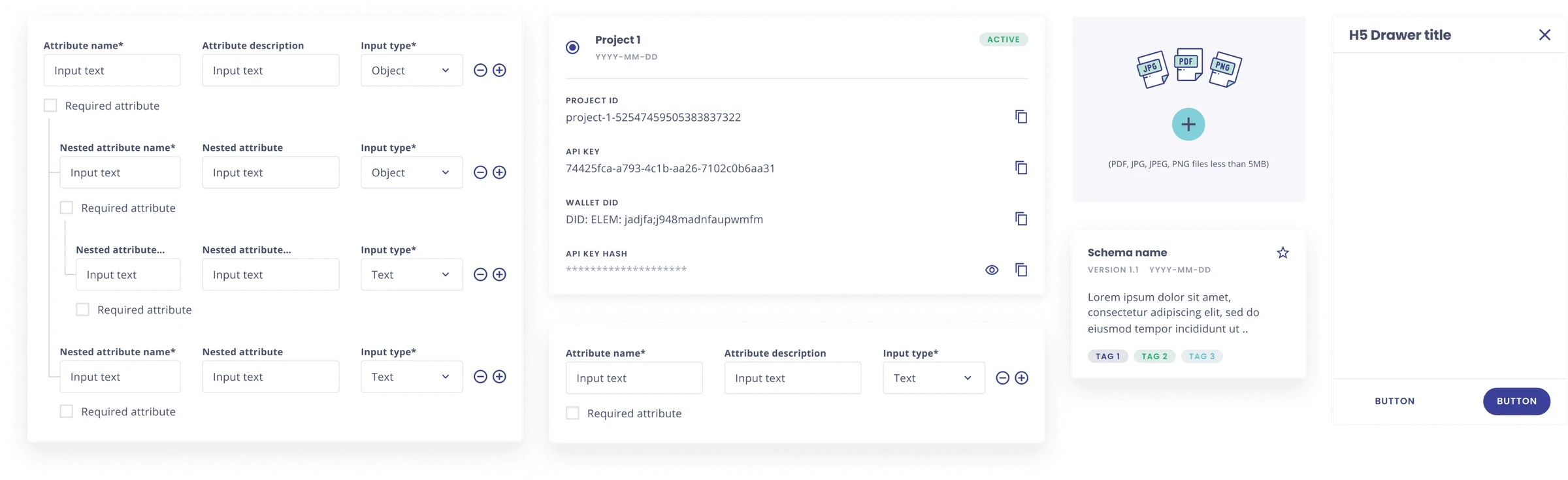
Molecules are made by combining two or more atoms. An input field and a button, for instance, can combine into a search form. Below are some of the molecules from our design system.
03 / 05
Organisms
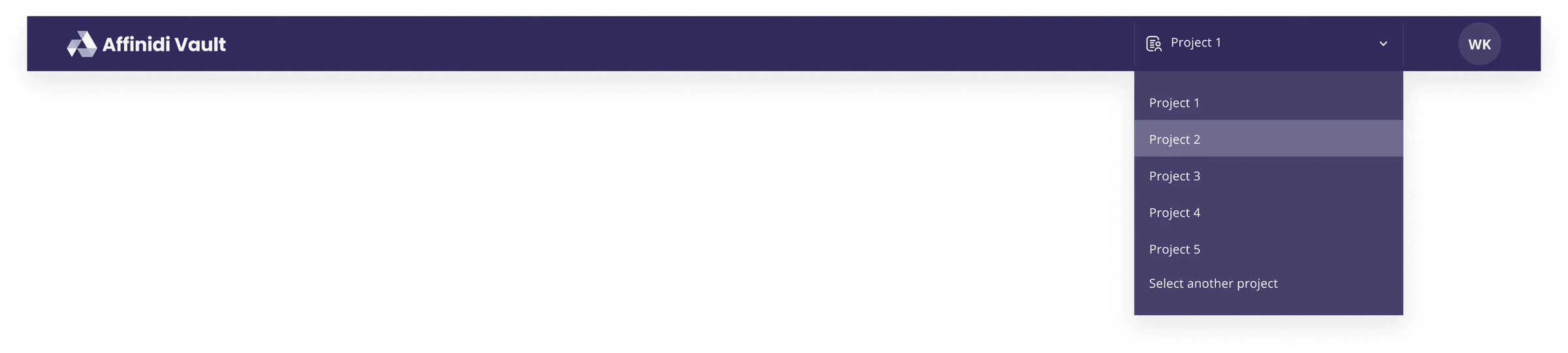
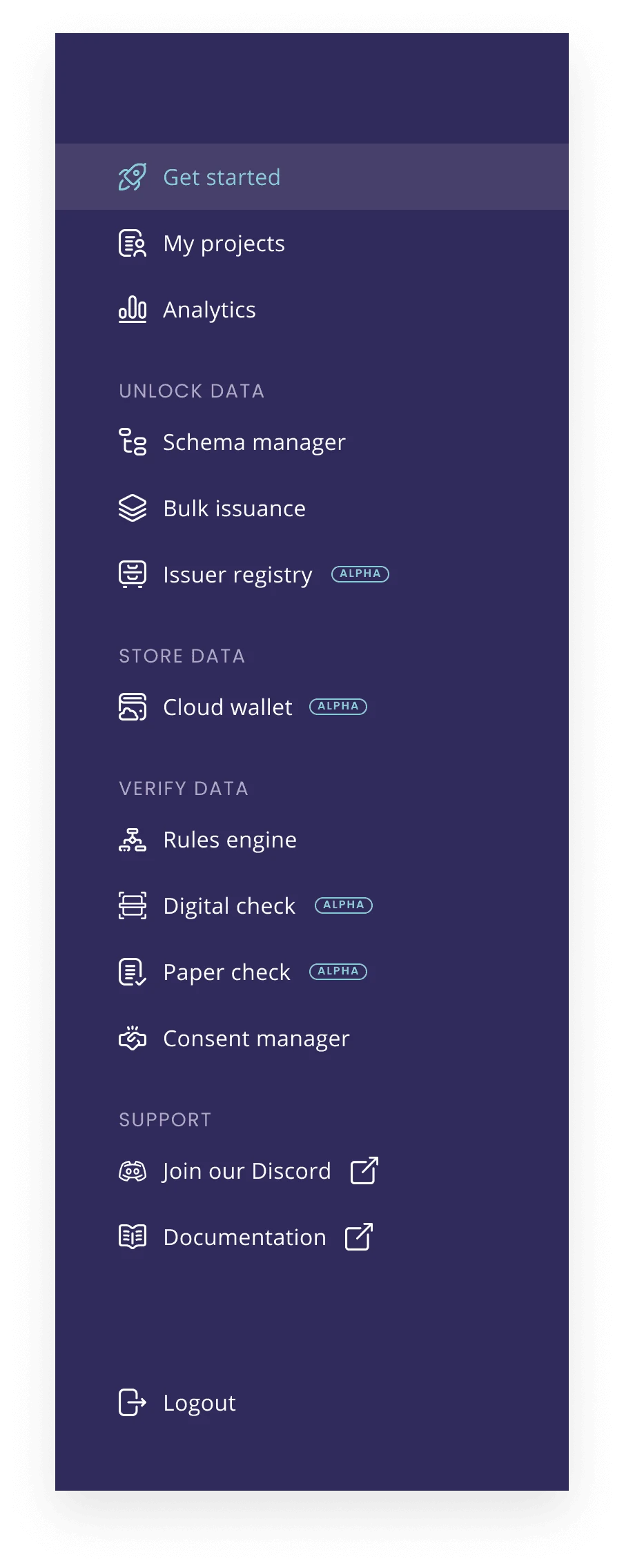
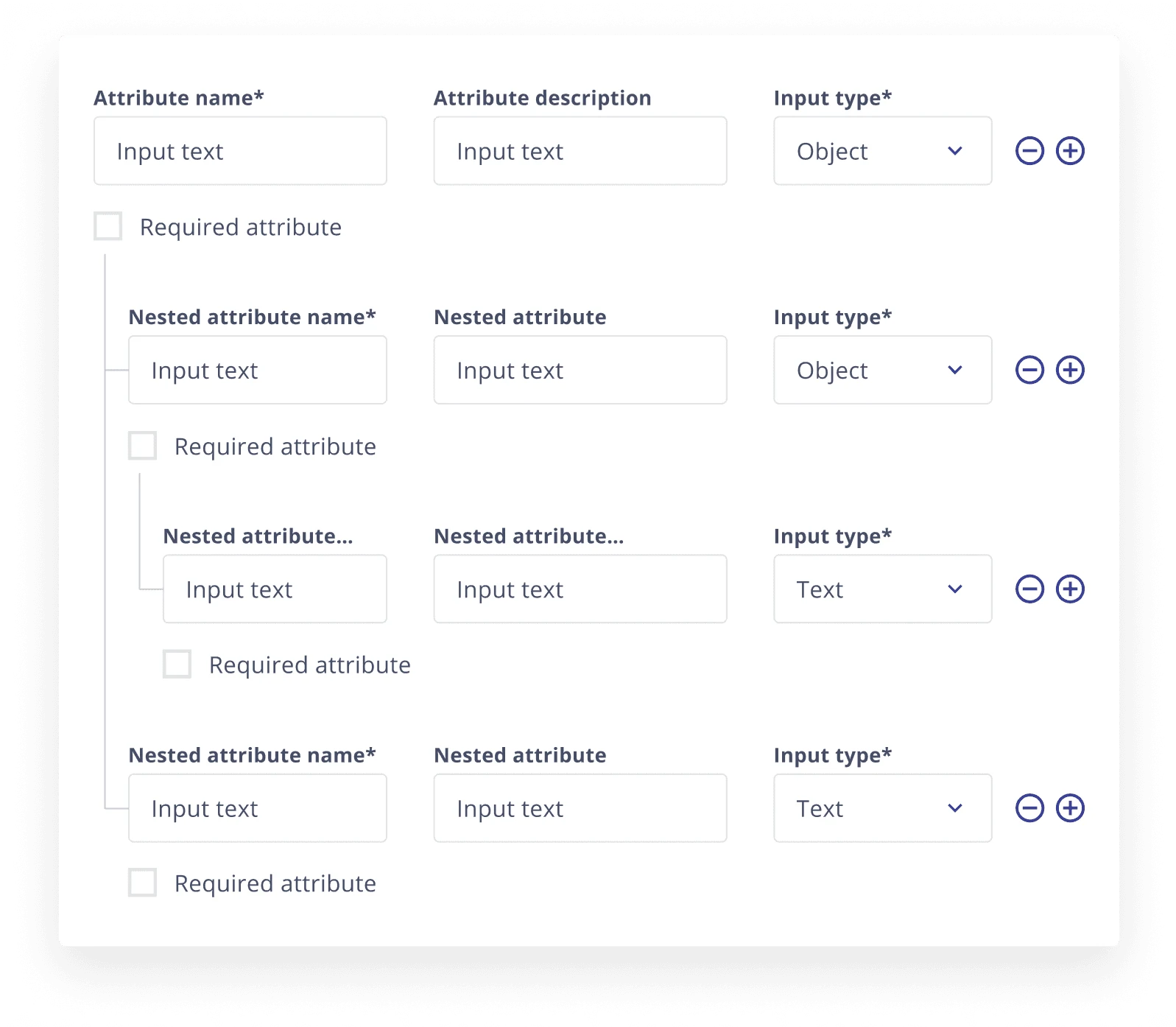
Multiple molecules together form an organism, for example a header, sidebar or signup form.
04 / 05
Templates
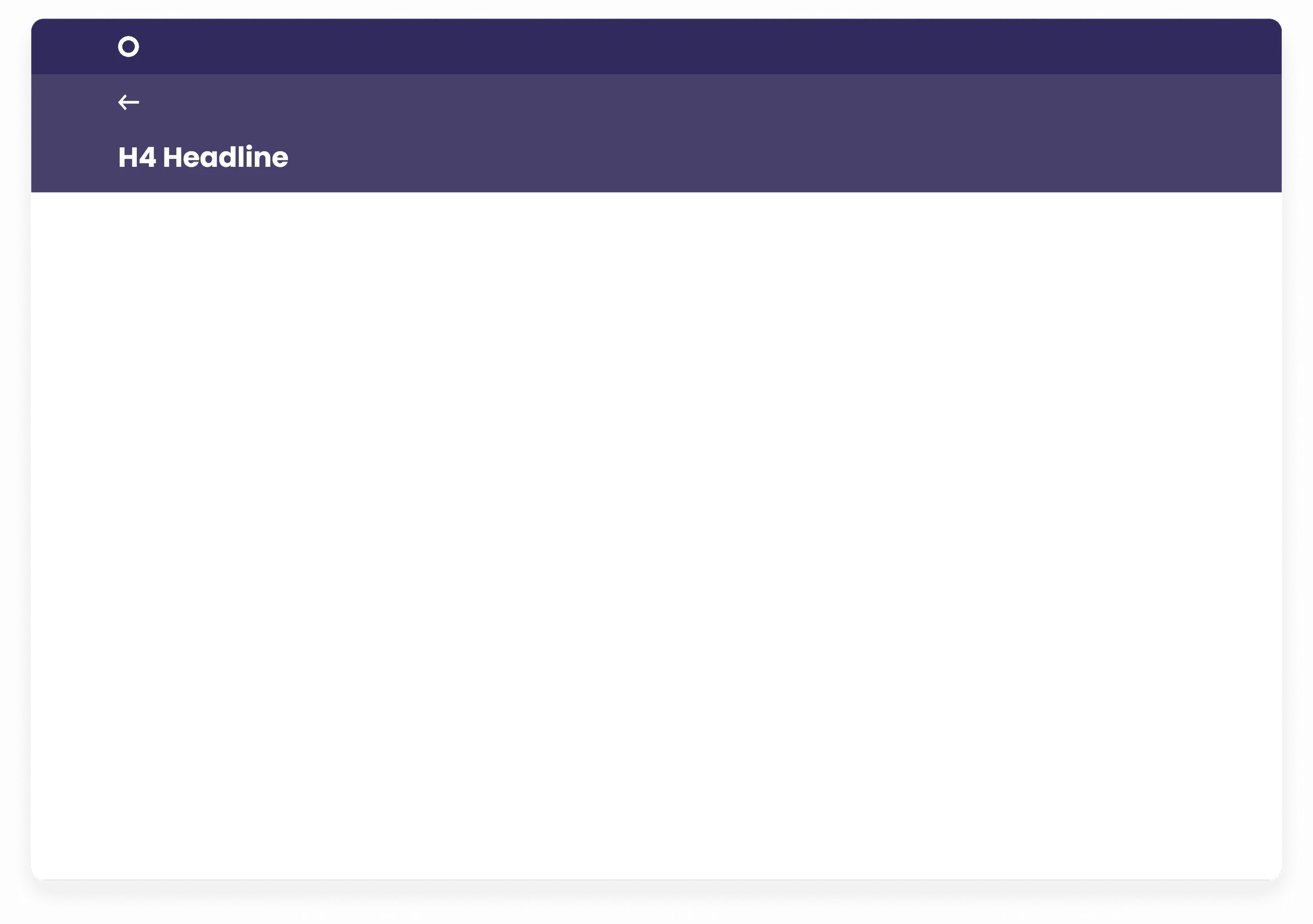
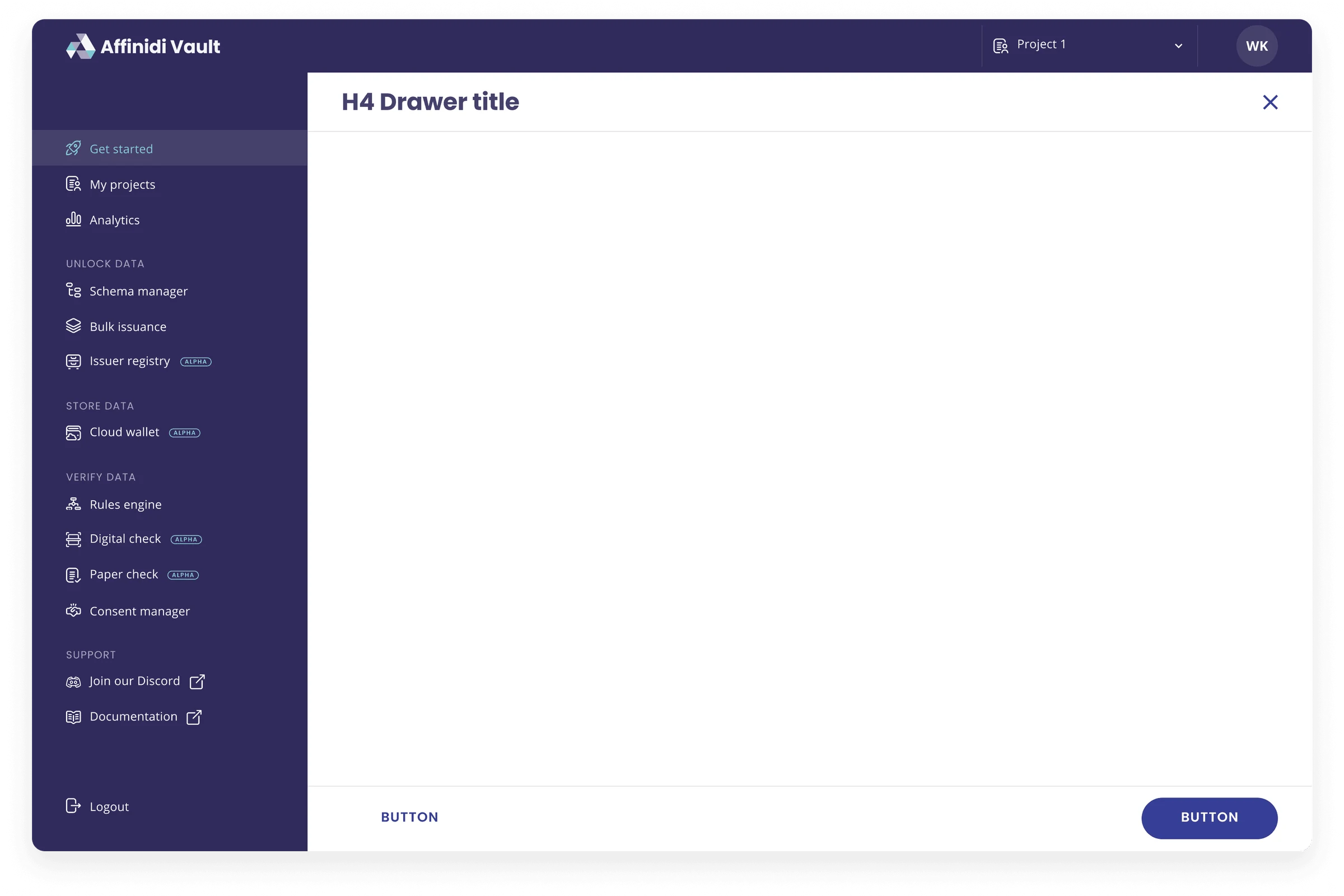
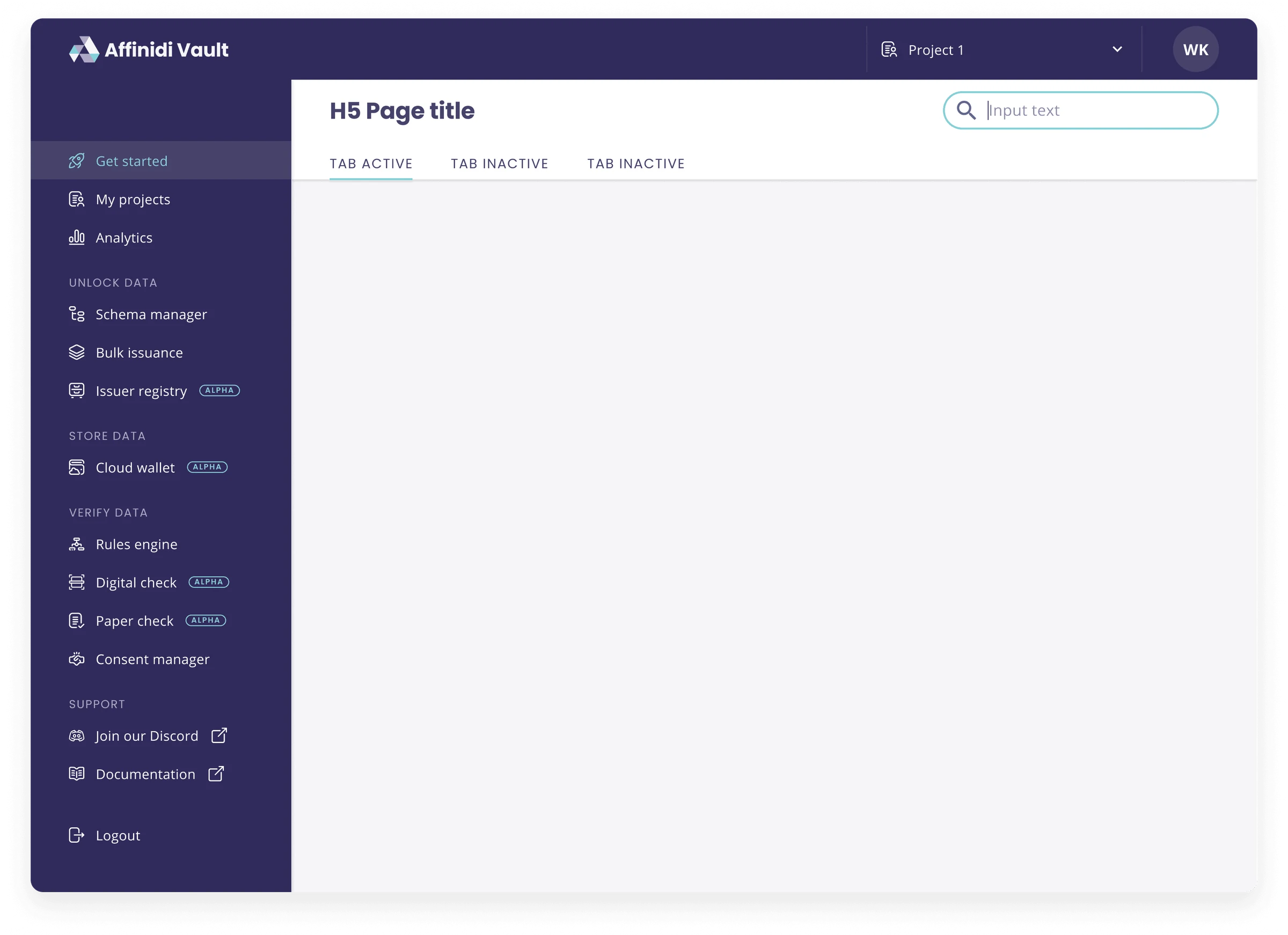
Templates are the glue that combines the different organisms or individual sections to create a complete design.
05 / 05
Pages
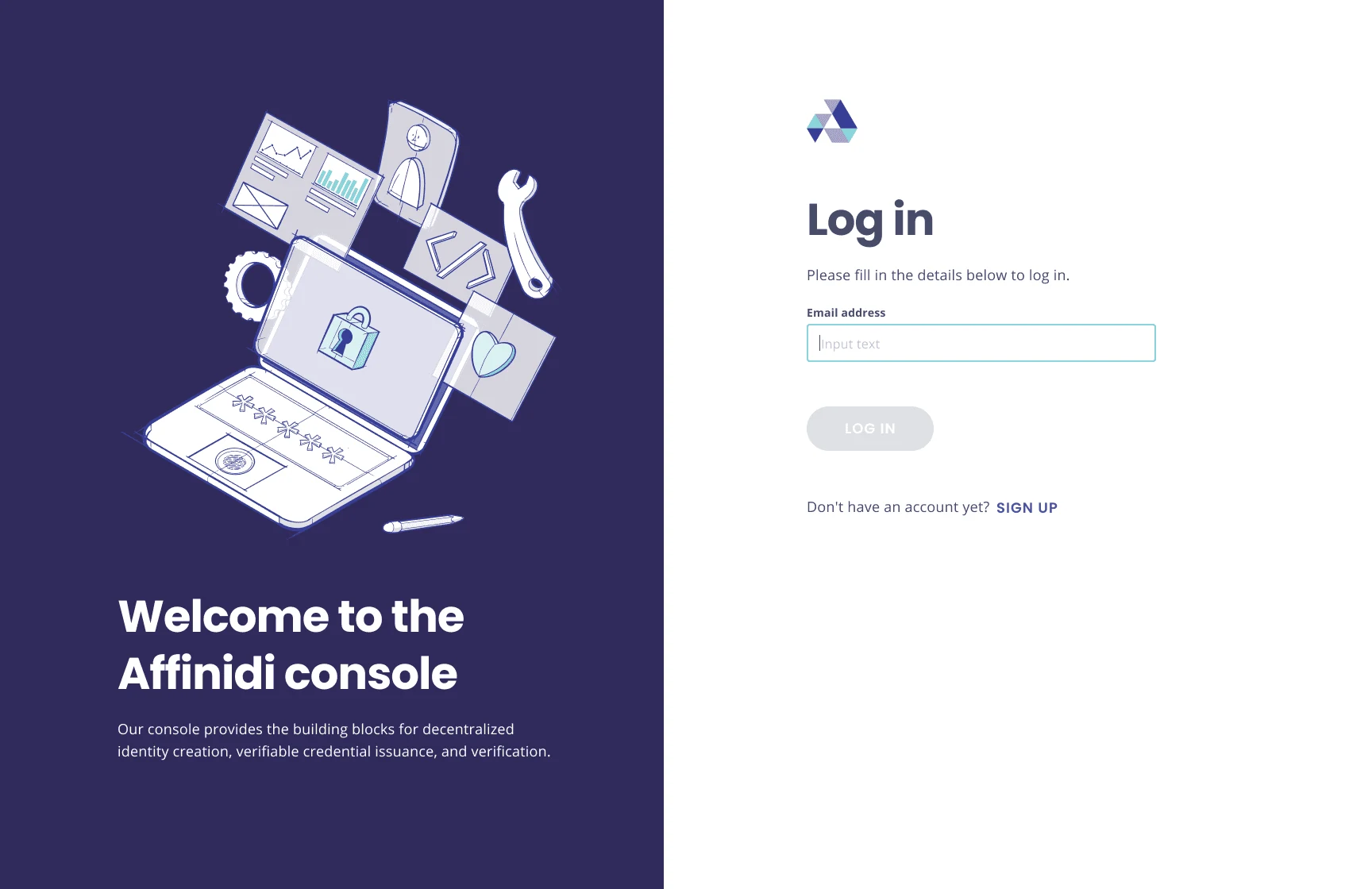
The highest level of hierarchy in an atomic design system is the actual pages that make up a product. Below is a selection of the pages of our developer console.
01 / 06 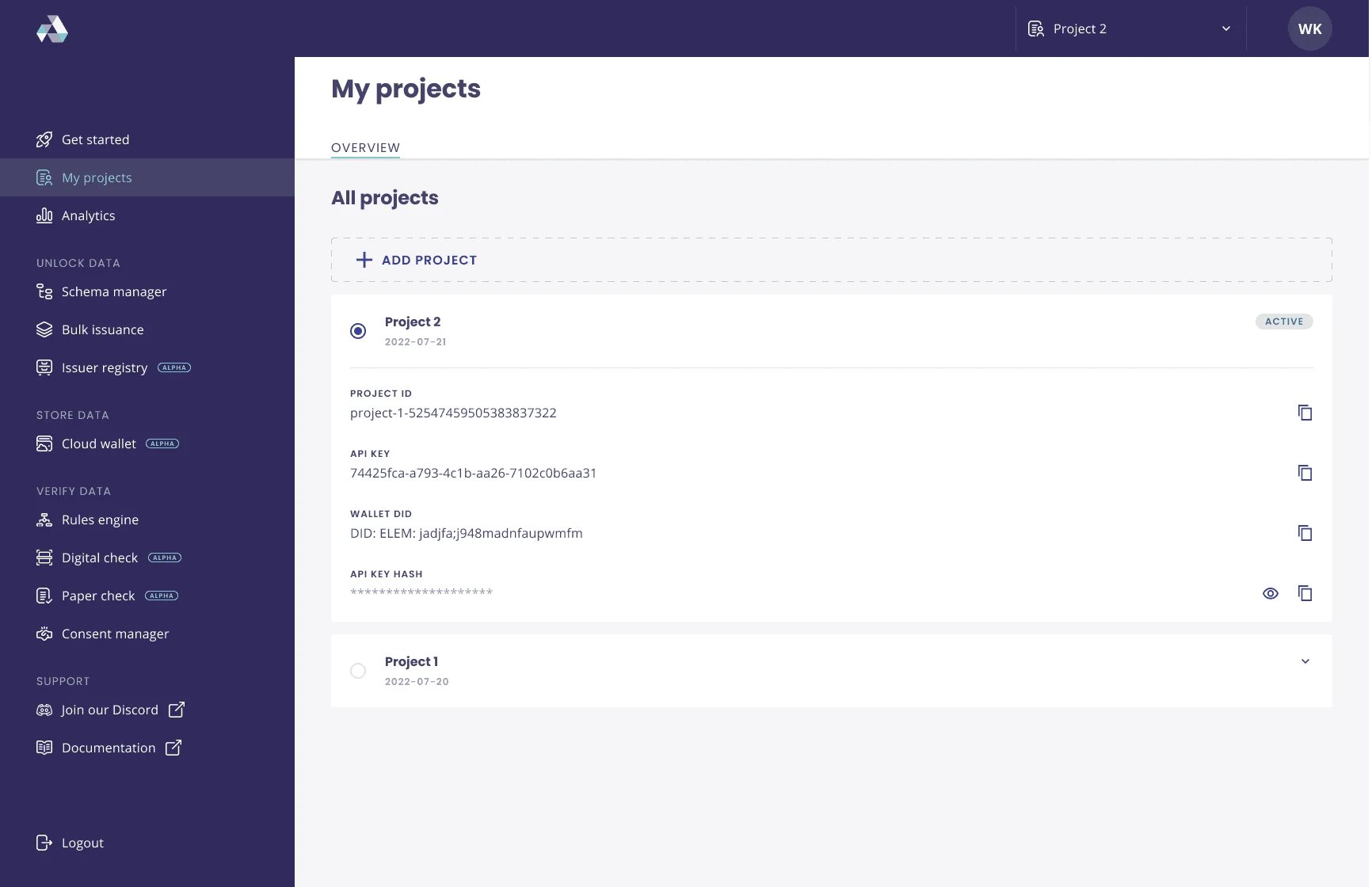
02 / 06 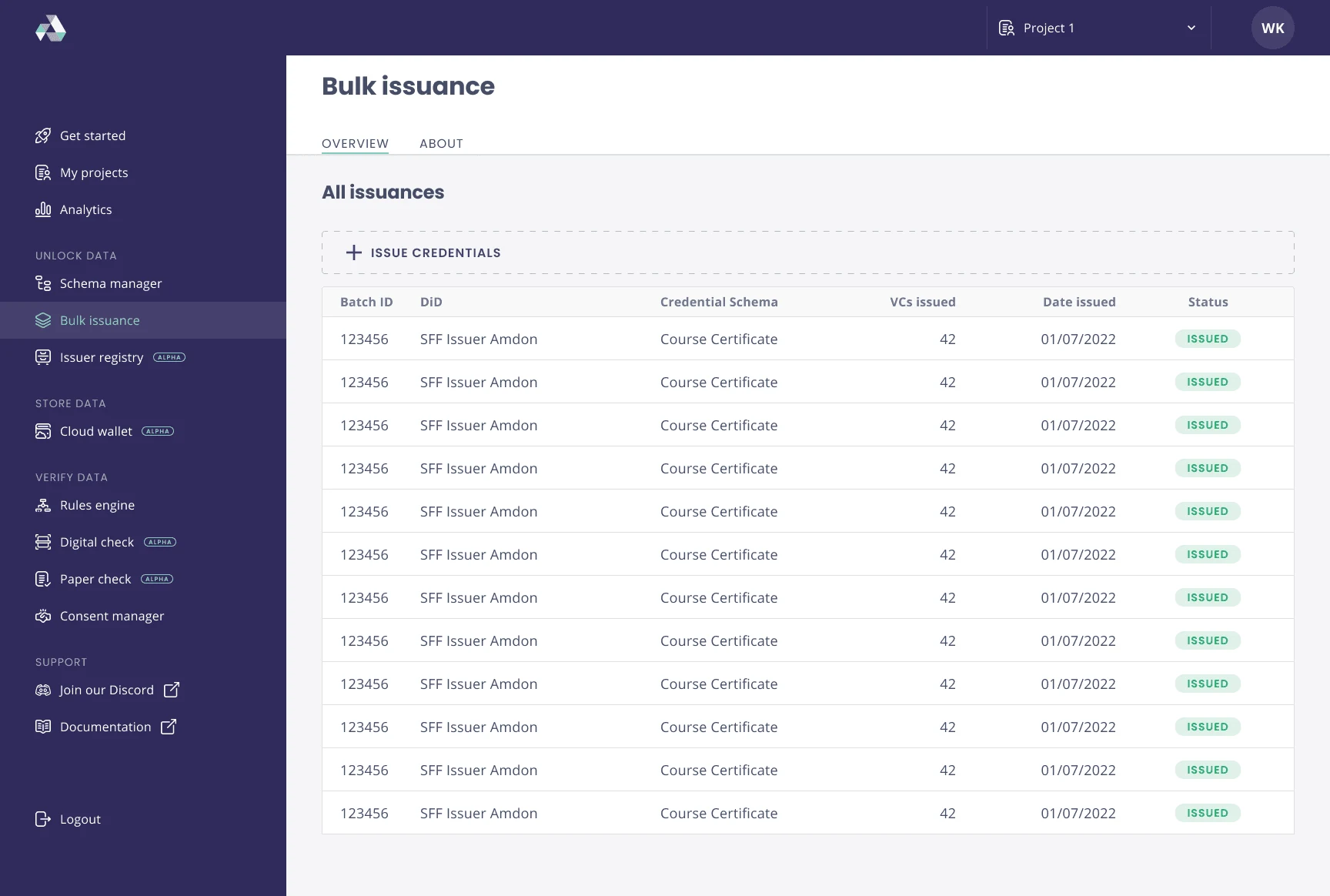
03 / 06 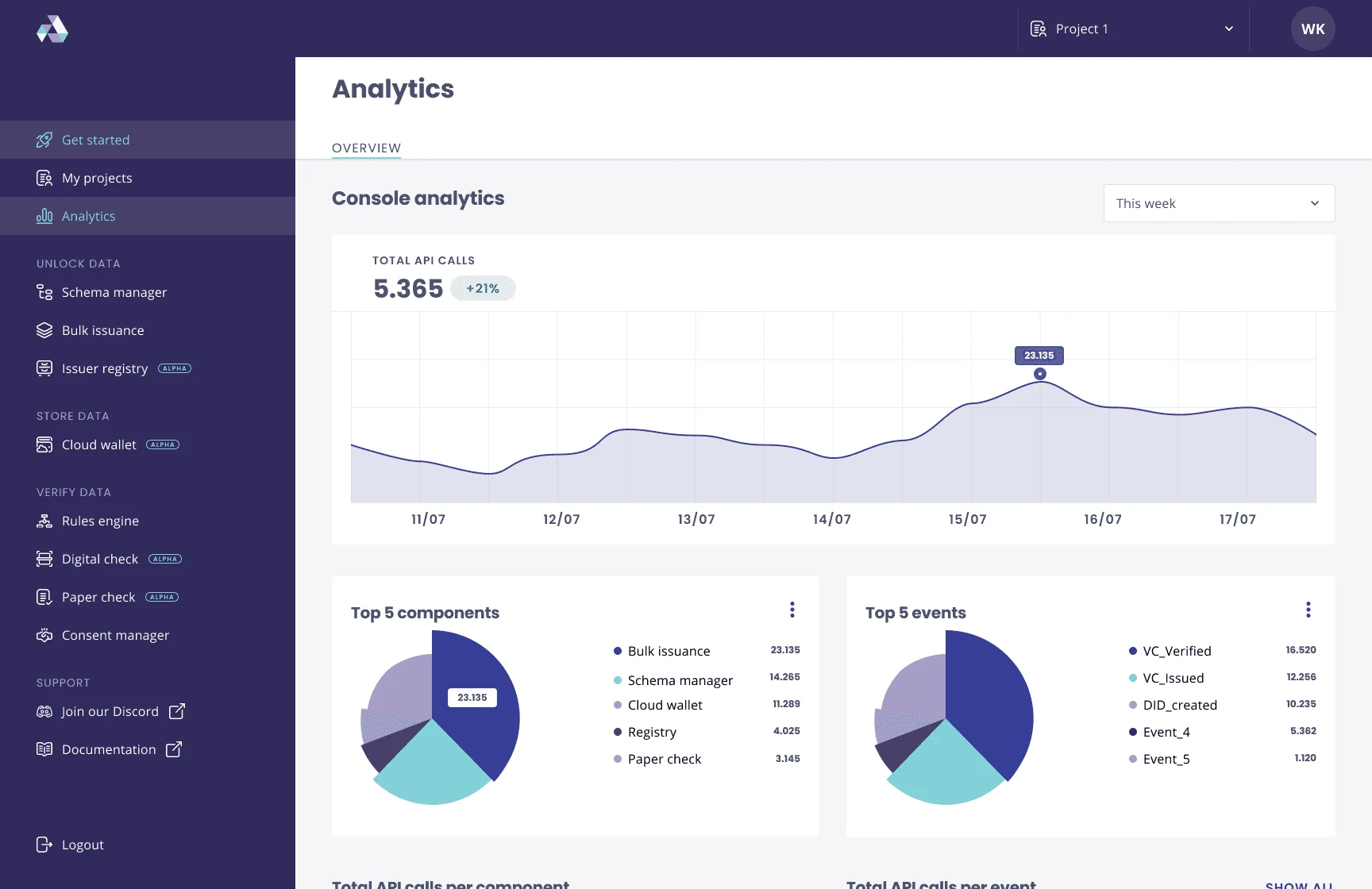
04 / 06 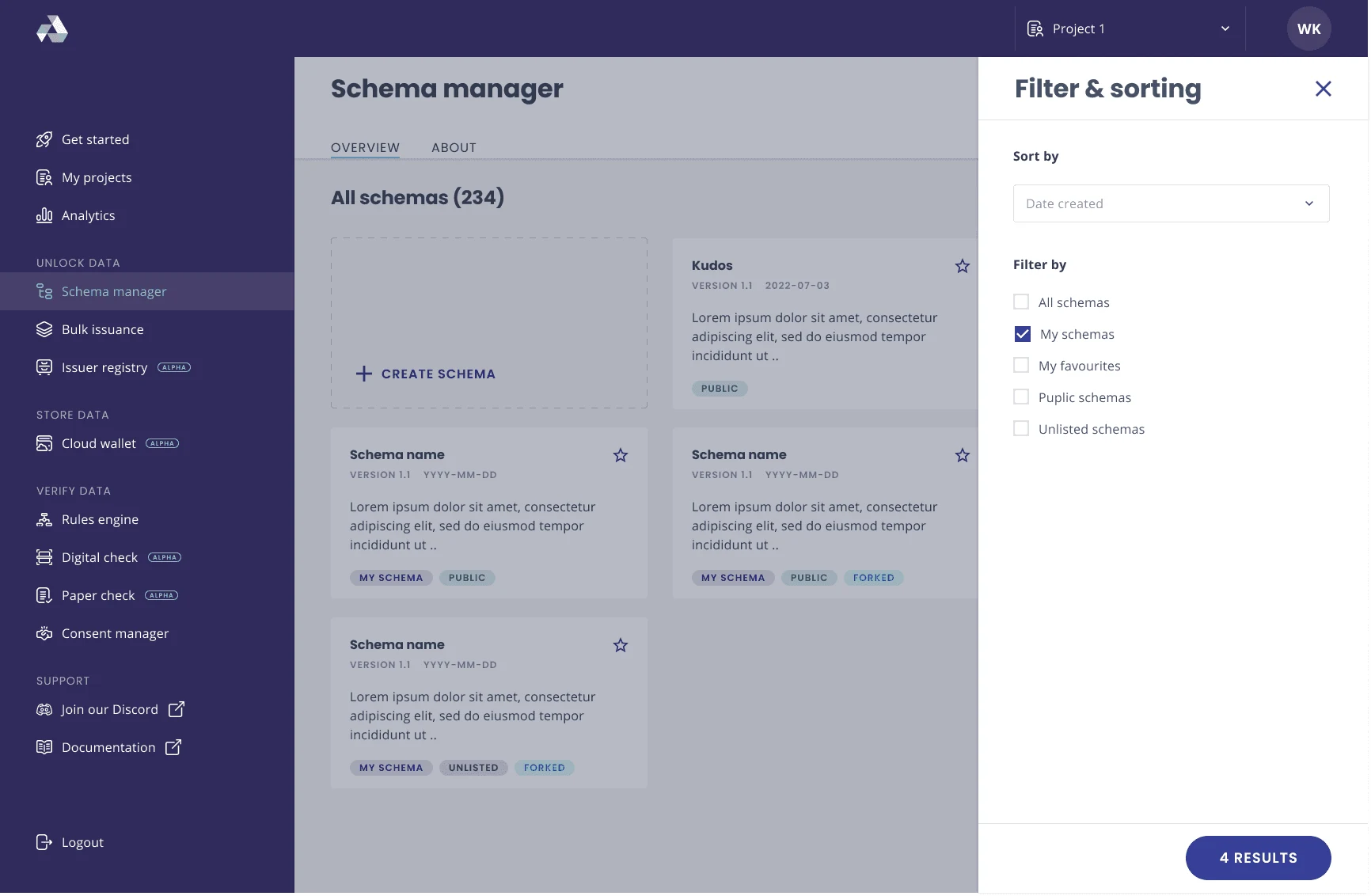
05 / 06 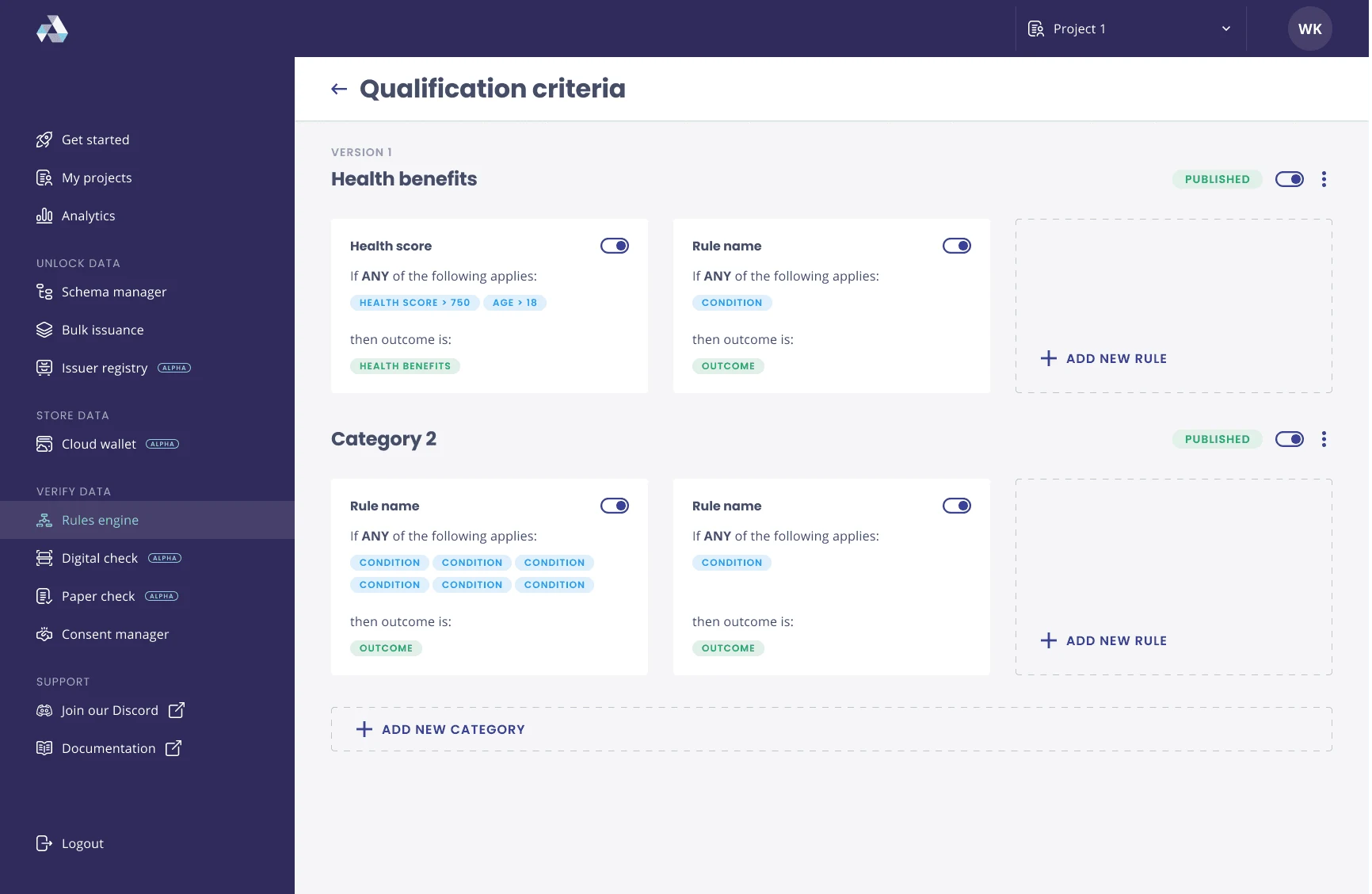
06 / 06
07 · Final designs
Final designs.
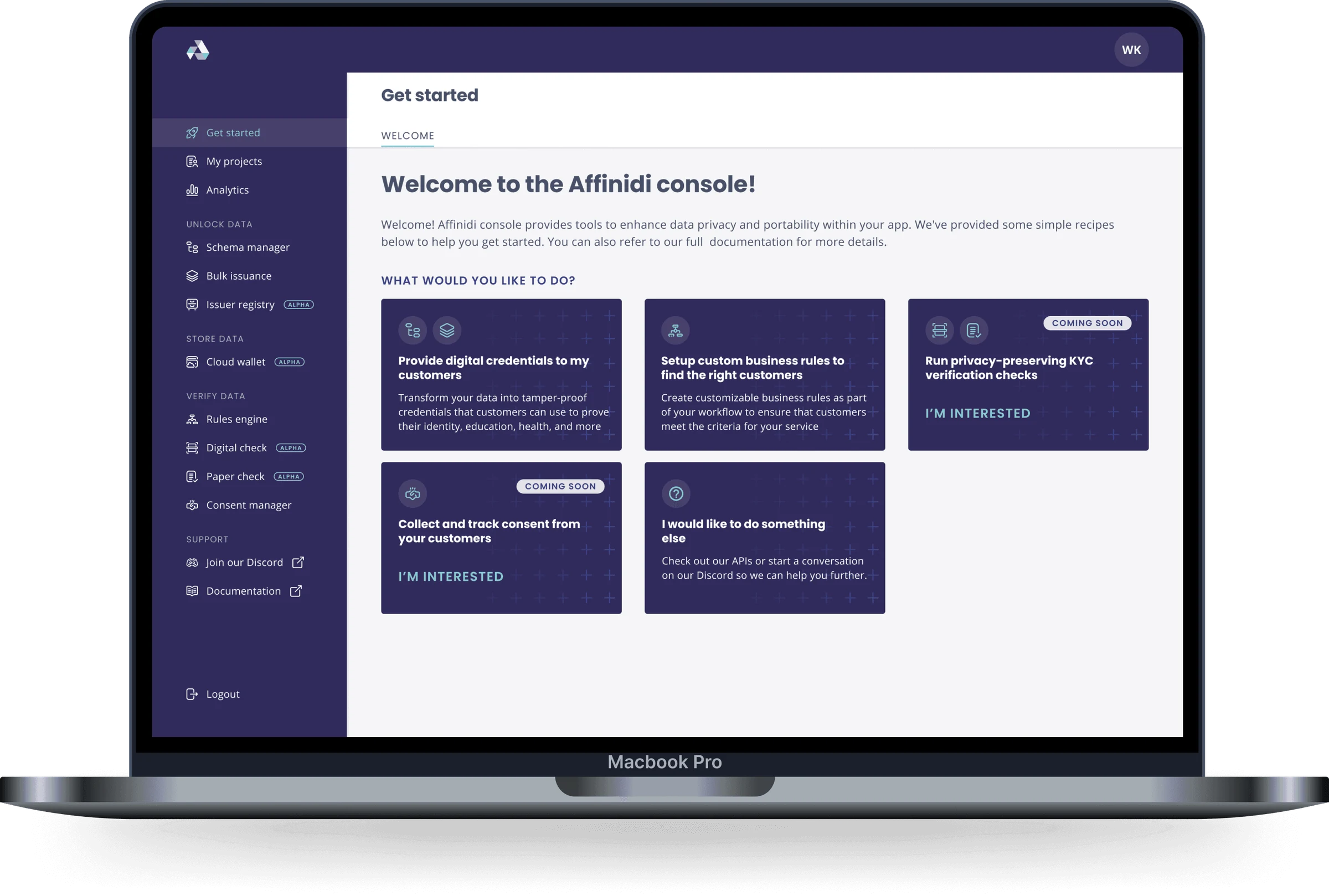
Developer console
We first built the design system for the developer console, which gives Affinidi’s customers tools to improve data privacy and portability in their own applications.The primary application built on the design system